Survey123 alternative
Geocadra vs Survey123
Forms with logic, formulas and repeatable blocks, on a map of the assets you inspect, without an ArcGIS organization behind them.
The verdict
Geocadra vs Survey123 in short
Survey123 is a strong form engine for teams already on ArcGIS. Geocadra gives you comparable forms without an ArcGIS organization, puts every asset on a map, lets clients log in for free and builds the PDF report and the DXF from the inspections.
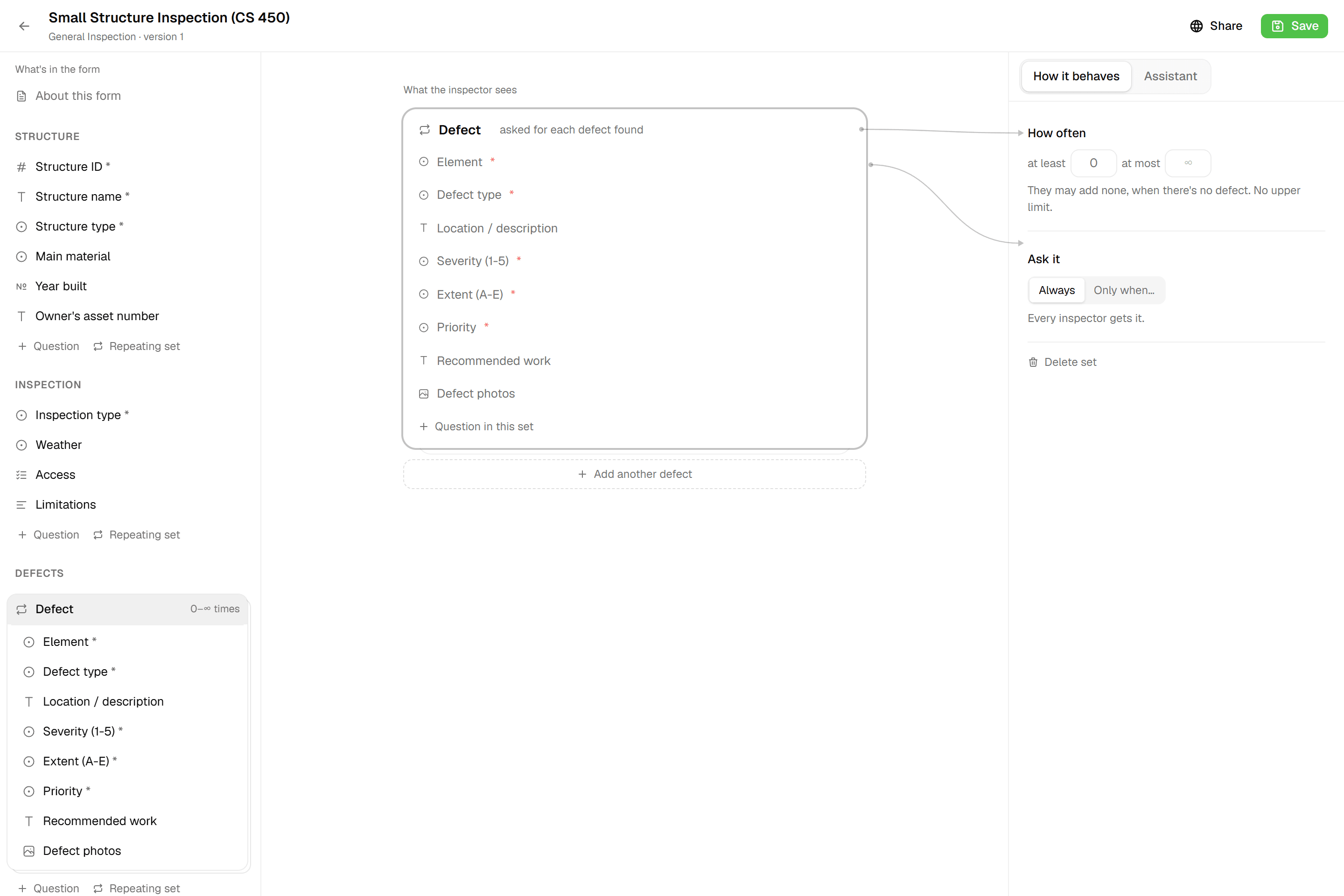
Survey123 builds powerful forms, from the web designer to XLSForm in Survey123 Connect. It also needs ArcGIS Online or ArcGIS Enterprise behind it: a Creator licence to publish a survey, a licence for every field user and viewer, and credits for every feature report in ArcGIS Online. Geocadra is self-contained. Build the form with conditional questions, computed fields and repeatable blocks, attach it to a layer on the map, and the report reads the results.
Side by side
Geocadra vs Survey123, feature by feature
| Feature | Geocadra | Survey123 | |
|---|---|---|---|
| A separate workspace per client | Yes | Partly | Groups in one organization, or an organization per client with its own Creator |
| Free logins for your clients | Yes | No | Viewer licence €174 a year (Germany); public surveys can be anonymous |
| Works without another subscription | Yes | No | Needs ArcGIS Online or ArcGIS Enterprise |
| Capture on a map over aerials | Yes | Partly | Location is a question in the form; maps live in ArcGIS |
| Your client's DXF or DWG on the map | Yes | No | No DXF or DWG in Survey123 |
| Forms with formulas and conditional questions | Yes | Yes | XLSForm calculations, relevance and repeats |
| Photos stored with the record | Yes | Yes | |
| Every inspection kept, with who and when | Yes | Partly | Editor tracking: creator, last editor and dates |
| PDF reports built from the data | Yes | Yes | Feature reports from Word templates, 0.5 credits per record in ArcGIS Online |
| CAD drawing (DXF) export | Pro and up | No | Exports CSV, Excel, KML, Shapefile and file geodatabase |
| Shapefile, GeoPackage and GeoJSON export | Yes | Yes | Photo attachments only travel in the file geodatabase export |
| Capture without signal | Yes | Yes | Both: the Survey123 field app and Geocadra's mobile apps work offline |
| Mobile apps | iOS and Android | iOS and Android | Both: iOS and Android; Survey123 also runs on Windows |
| Projects, photos and files stored in the EU | Yes | Partly | ArcGIS Online EU region chosen at setup; sign-in is processed in the US |
The Survey123 column was checked on October 12, 2026 against its public pages: pricing, reports, platforms, organizations, data hosting, exports.
In Geocadra, your projects, photos and files are stored in Frankfurt, Germany. AI features are processed by providers in the US.
Why switch
Why teams choose Geocadra over Survey123
No platform to buy first
Publishing a Survey123 form needs an ArcGIS organization and a Creator licence, €1,118 a year at German list prices, before the first field user. Geocadra is complete on its own: sign up, import the layer you inspect, build the form and invite the crew. A seat starts at €49 a month, and you can start with one.
02A map of the assets, not a location question
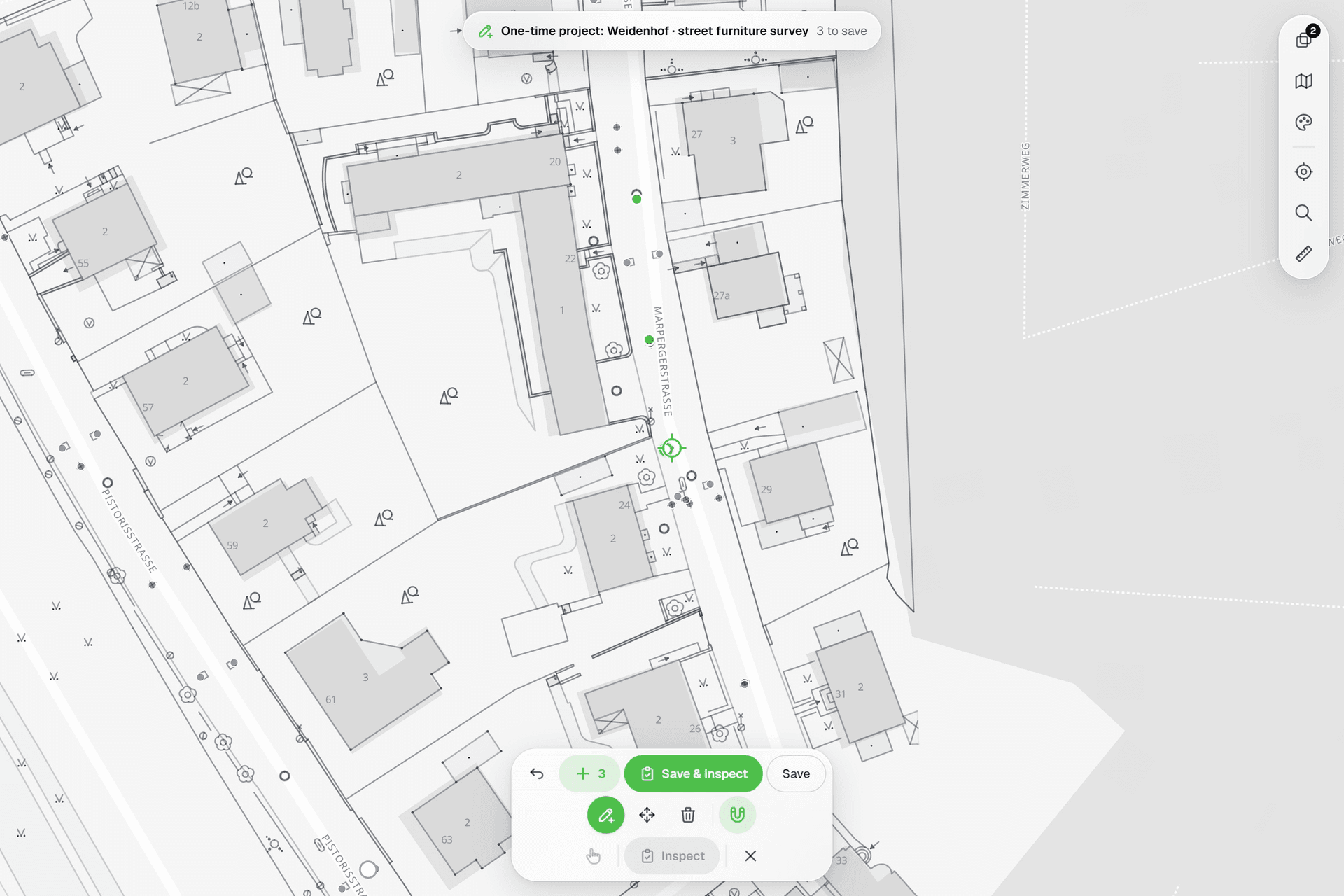
Survey123 is form first: the location is a question in the survey. Geocadra is map first. Every asset is on the map, coloured by status, and tapping it opens its form. Select up to 100 features and inspect them one by one or apply the same answers to all. Re-inspect the same asset next year and both rounds stay on its record.
03Reports without Word templates or credits
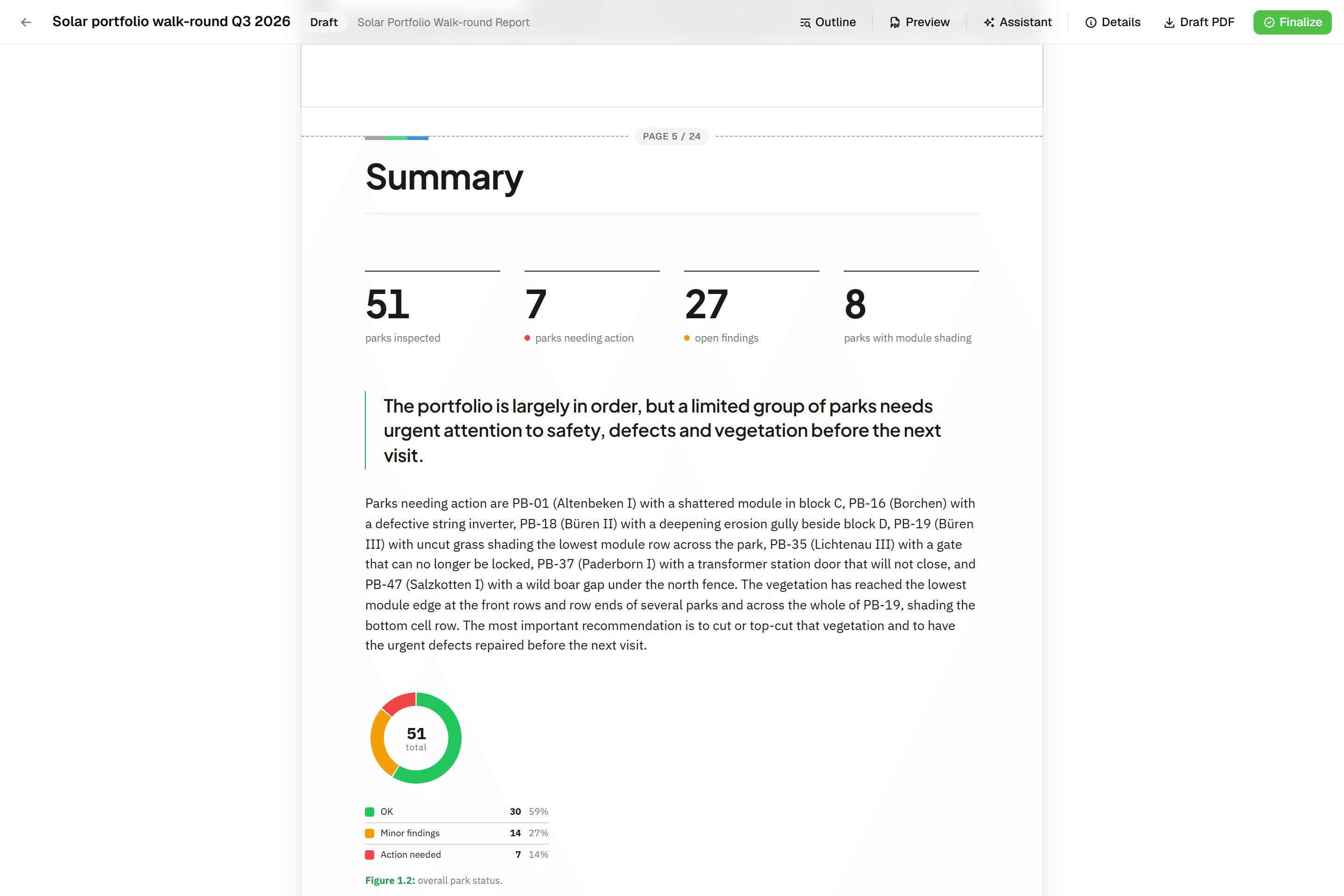
Survey123 feature reports fill a Word template with placeholders, and in ArcGIS Online each record costs 0.5 credits. A Geocadra report is built from blocks: data tables, photo appendices, map figures at a fixed scale and text, which an AI assistant can draft. It finalises to a PDF with real page numbers, on every plan.
04Clients log in without a licence
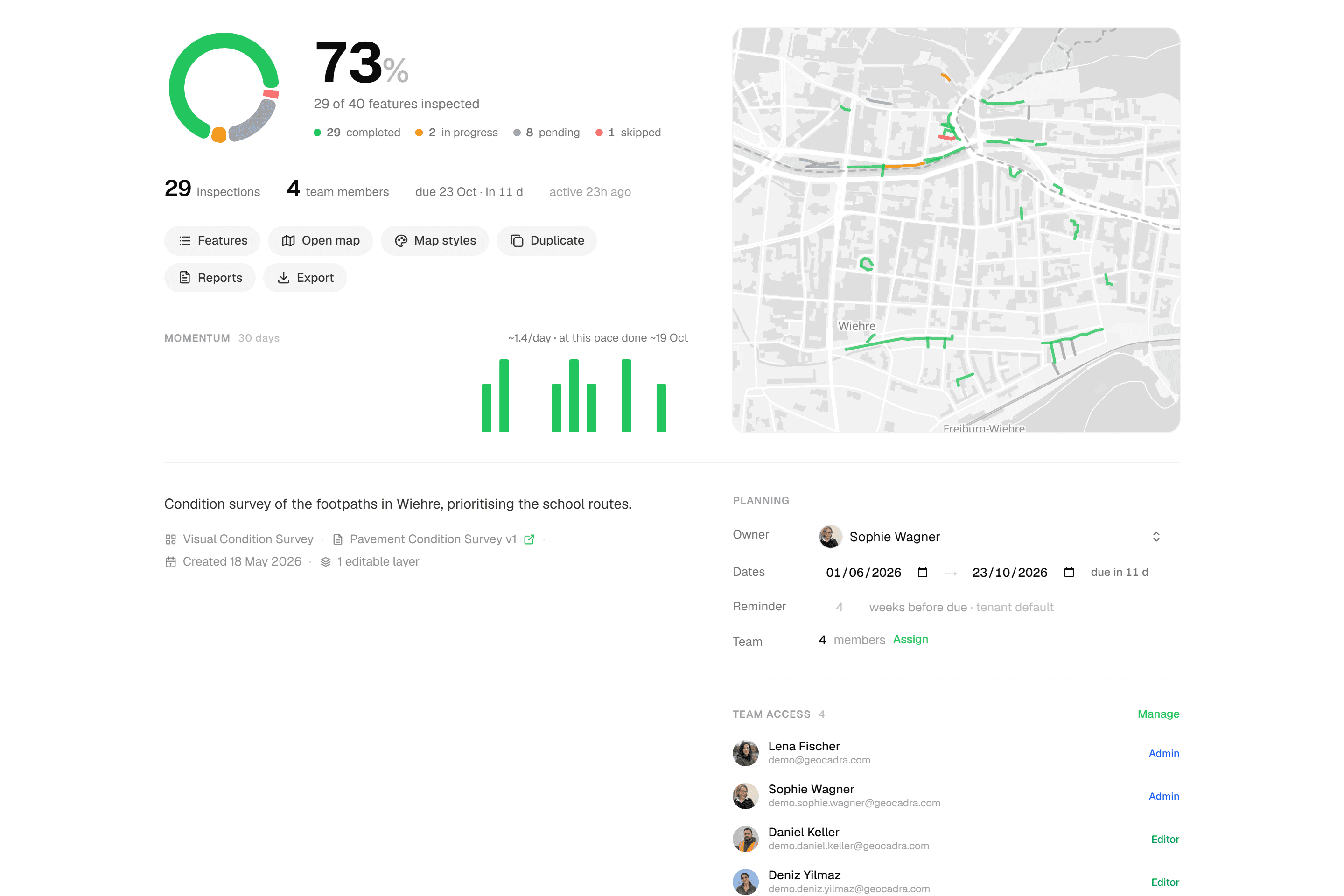
Anyone who opens Survey123 results in ArcGIS needs a user type: a Viewer is €174 a year in Germany. In Geocadra each client is an organization in your workspace, and client contacts log in as viewers at no cost, 2 to 10 per seat. They see their own projects and download the report and exports themselves.
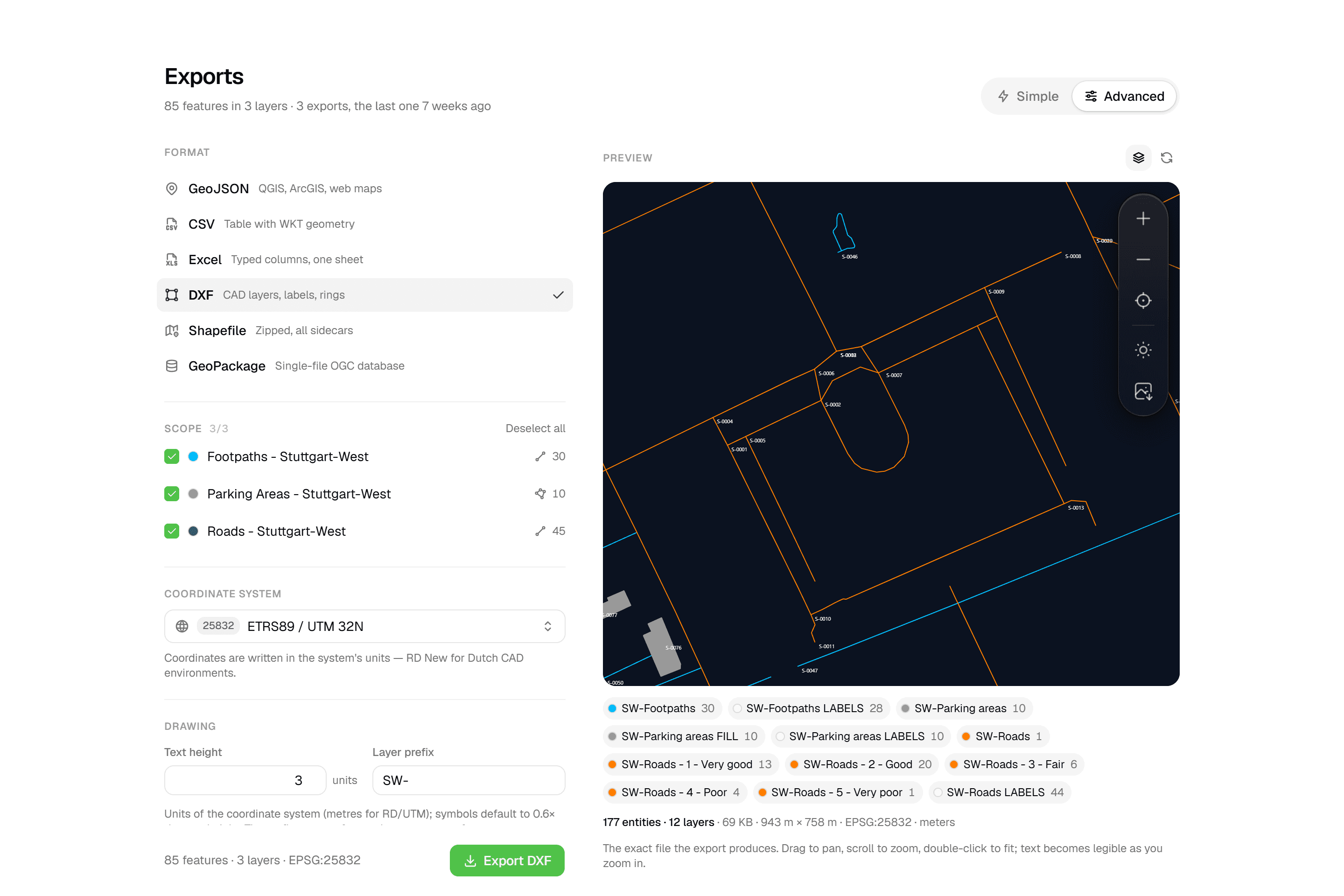
05CAD drawings in and out
Survey123 neither shows a DXF or DWG nor exports one. Geocadra puts your client's drawing under the map as a reference to snap to, and exports a layered DXF with labels, rings and fills for clients who work in CAD (Pro and up). Shapefile, GeoPackage, GeoJSON, CSV and Excel are on every plan.
Fair to say
What Survey123 does well
ArcGIS Survey123 is Esri's form-centric data collection app. Its forms follow the XLSForm standard, with calculations, relevance conditions, constraints and repeats stored as related tables, and a simpler web designer for basic surveys. The field app works offline on iOS, Android and Windows; the web app runs in a browser and can take public, anonymous submissions. Feature reports turn records into Word or PDF documents from a Word template. Everything is stored in ArcGIS Online or ArcGIS Enterprise, which is where Survey123 is strongest: next to dashboards, web maps and the rest of an Esri organization.
- Made by
- Esri, United States
- Runs on
- iOS, Android, Windows and web
- Pricing
- A Creator licence, €1,118 a year, to publish (Germany)
- Data hosting
- The ArcGIS Online region, or ArcGIS Enterprise
The reality
Where Survey123 gets in the way
What a contractor runs into when client rounds run on it.
ArcGIS comes first
Survey123 runs on ArcGIS Online or ArcGIS Enterprise. A form cannot be published without an organization and a Creator licence.
No other subscription needed.
Field users need the right licence
A Contributor can only fill in surveys in the browser; the field app needs a Mobile Worker licence or higher.
Every seat works in the mobile app.
Reports cost credits
Feature reports come from Word templates, and ArcGIS Online charges 0.5 credits for each record reported.
Reports included, no templates or credits.
Photos leave in one format only
CSV, Excel, KML and Shapefile exports leave the photo attachments behind; only the file geodatabase export carries them.
Photos linked in every export.
In practice
Survey123 and Geocadra on the same job
- With Survey123
- €2,358 a year
- With Geocadra
- €1,470 a year
1 Creator, 2 Mobile Workers, plus report credits
3 seats on Starter, reports included
New inspection contractor
A contractor with three building inspectors wants digital checklists and a PDF report per building, starting next month.
With Survey123An ArcGIS organization with a Creator who also inspects (€1,118) and two Mobile Workers (€620 each): €2,358 a year at German list prices, plus credits for every feature report. Layers and the survey are published before the first inspection.
With GeocadraThree seats on Starter at €490 a year each: €1,470, with reports included. Import the buildings, build the checklist in the form editor and inspect the same week.
- With Survey123
- €1,392 a year
- With Geocadra
- €0
8 Viewer licences for the client contacts
8 client logins free on Pro
Consultancy with four municipal clients
An environmental consultancy surveys for four municipalities, each with its own data and two contacts who want to see it.
With Survey123Groups and sharing inside one ArcGIS organization, or an organization per municipality with its own Creator. The eight contacts each need a Viewer licence at €174 a year.
With GeocadraFour client organizations in one workspace on Pro, each with its own logo and projects. The eight contacts log in as free viewers and see only their own municipality.
Decision guide
Geocadra or Survey123?
Choose Geocadra if you…
- Do not want an ArcGIS organization just for forms
- Inspect assets that live on a map
- Want clients to log in without a licence
- Deliver PDF reports and DXF drawings
Choose Survey123 if you…
- Already have ArcGIS Online or ArcGIS Enterprise
- Build complex XLSForm surveys
- Need public, anonymous surveys
Pricing
Survey123 pricing vs Geocadra
Survey123 is part of ArcGIS and licensed per user and per year. Prices below are Esri's list prices for Germany, excluding VAT.
- Geocadra
From €49 per seat a month
- Client viewers free: 2 to 10 per seat
- Reports and DXF export included (DXF from Pro)
- 2 months free on annual billing
- Survey123
From €620 per field user a year
- A Creator licence, €1,118 a year, to publish surveys
- Viewers licensed at €174 a year each
- Feature reports at 0.5 credits per record
Switching
Switching from Survey123
Rebuild the survey in the form editor: text, numbers, choices, dates, photos, signatures, computed fields, conditional questions and repeatable blocks all have a counterpart. Export your existing records from ArcGIS as GeoPackage or Shapefile and import them; each layer is checked on the map before it is saved. We help with the first form at no cost.
Questions
Geocadra vs Survey123: questions
Can Geocadra build forms like Survey123?
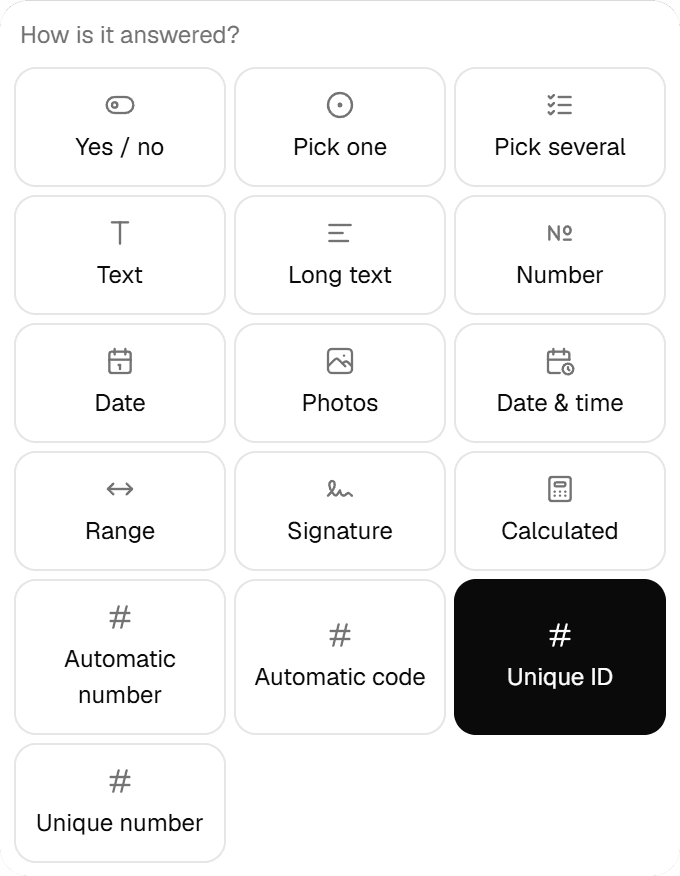
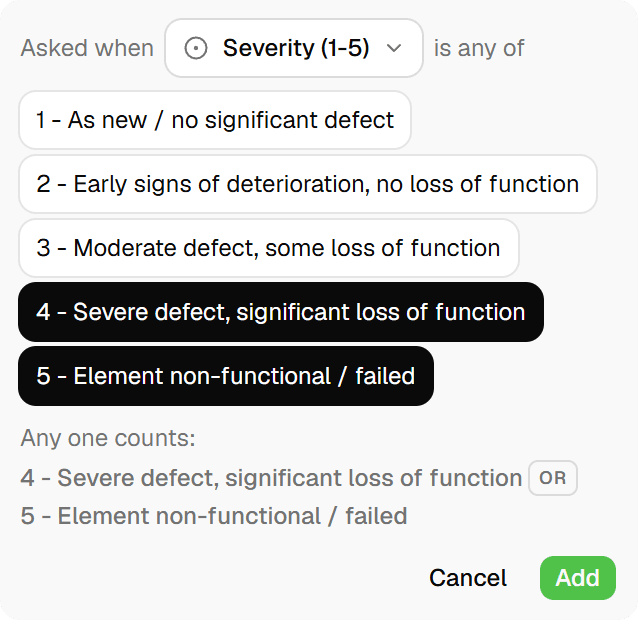
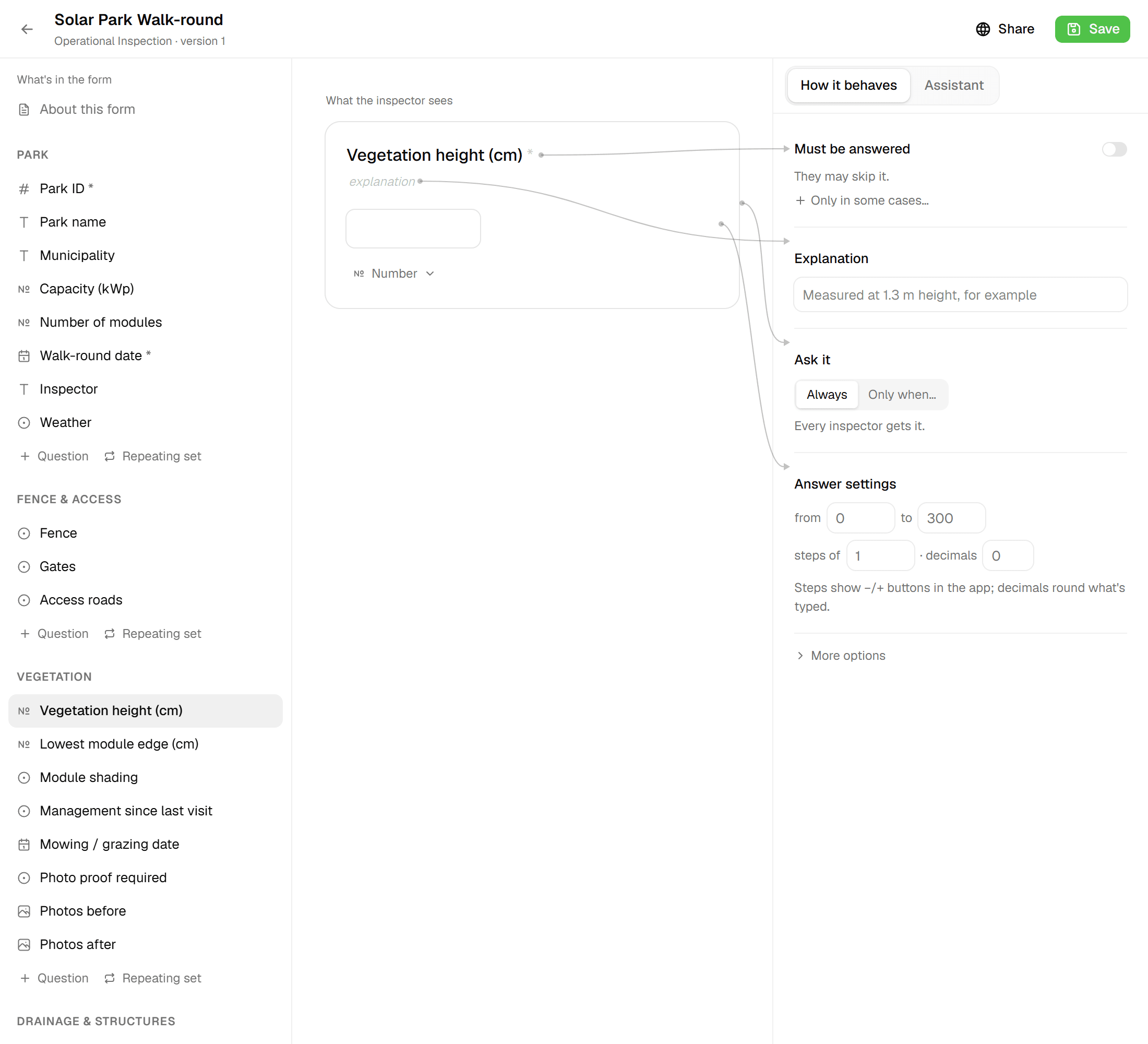
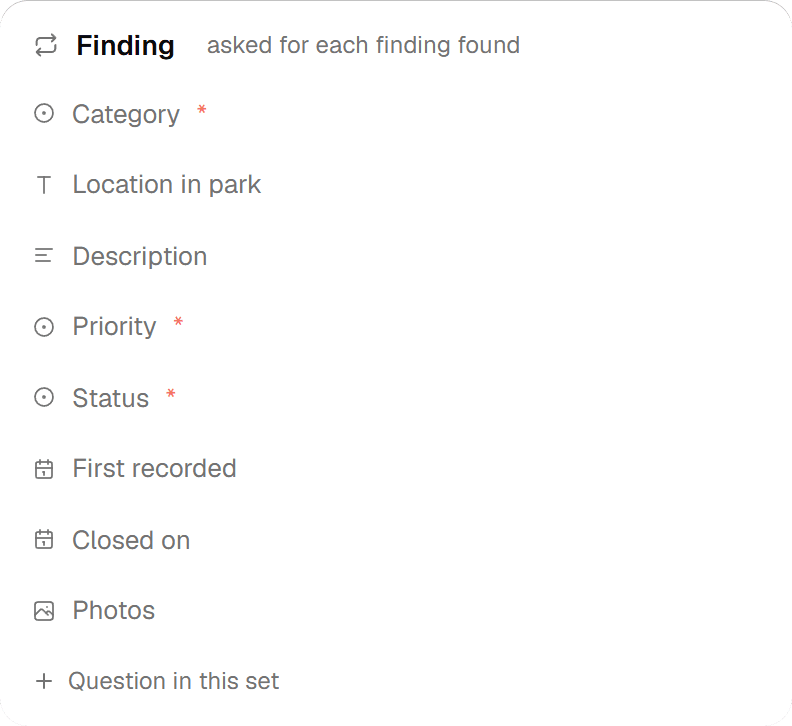
For inspection forms, yes. The form editor has twelve field types, required fields, number limits, unique IDs, repeatable blocks, questions that are only asked when they apply, and computed fields with functions such as round, min, max and midpoint plus lookup tables. The form validates before it submits.
Does Geocadra support XLSForm?
No. Forms are built in a visual editor, and conditional logic is set per question. Most inspection surveys translate directly. Surveys that lean on advanced XLSForm functions, such as external data lookups or deep cascading choices, may need a different approach; send us one and we tell you honestly.
Can Survey123 be used without ArcGIS?
No. Survey123 needs ArcGIS Online or ArcGIS Enterprise, and publishing a survey needs a Creator licence or higher. Anonymous users can fill in a public survey. Geocadra needs no other subscription.
How do reports compare?
Survey123 feature reports fill a Word template and cost 0.5 credits per record in ArcGIS Online. Geocadra reports are built from blocks that read the inspections, including photo appendices and map figures, and finalise to a PDF. They are included on every plan.
Can I get my data out?
Yes. Geocadra exports GeoJSON, CSV, Excel, Shapefile and GeoPackage on every plan, and DXF from Pro, with photos linked in every data export. In Survey123, only the file geodatabase export carries the photo attachments.
Does Geocadra work offline?
Yes, in the mobile app. It saves inspections and photos on the device without signal and sends them when it is back. The web app needs a connection. The Survey123 field app works offline on iOS, Android and Windows.
See Geocadra next to Survey123
Run one real round in Geocadra during the 14-day trial and compare for yourself. No credit card needed.
No credit card requiredFree trial included